Live Sessions
With your zoom account connected, you can create, manage, and host zoom meetings (Live Sessions) directly from your Compendium360 account. All sessions created and edited on your Compendium360 account will automatically be synced to your zoom account.
Connecting your zoom account takes less than 1 minute.
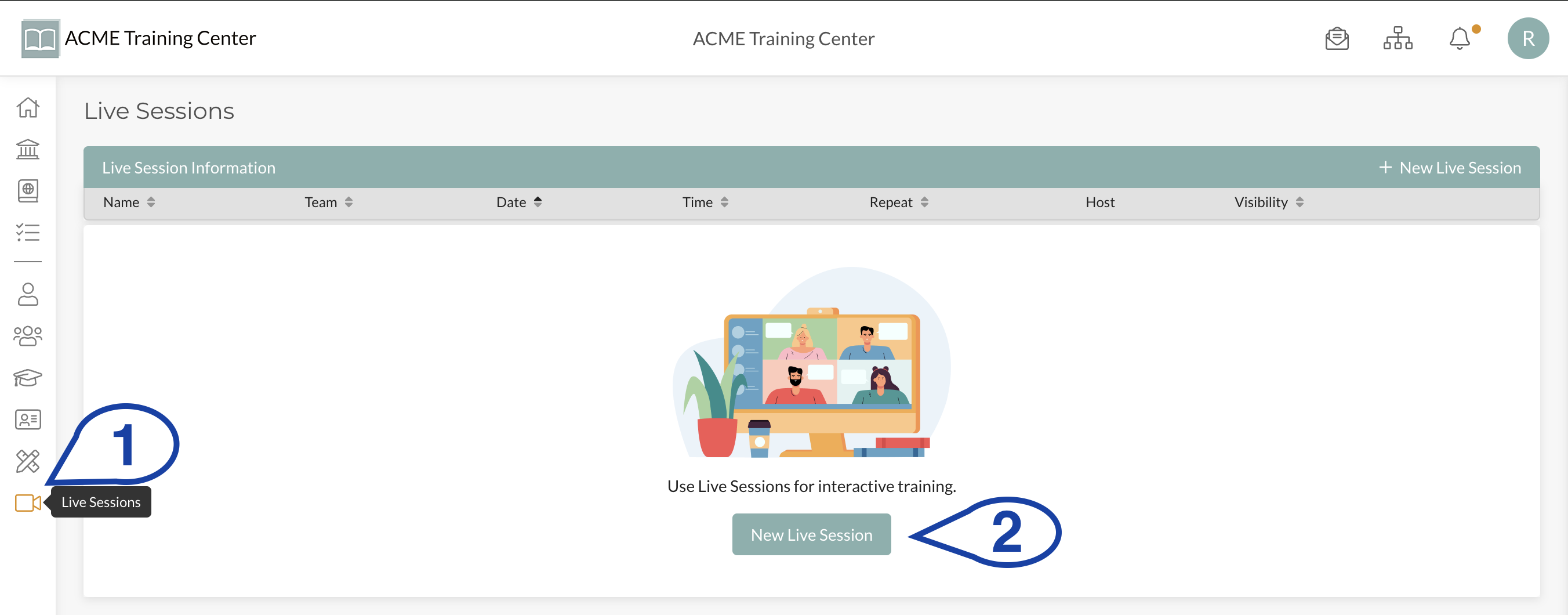
Step I: Navigate to Live Sessions
Click on “Live Sessions” in the left-hand menu and then click “New Live Session”
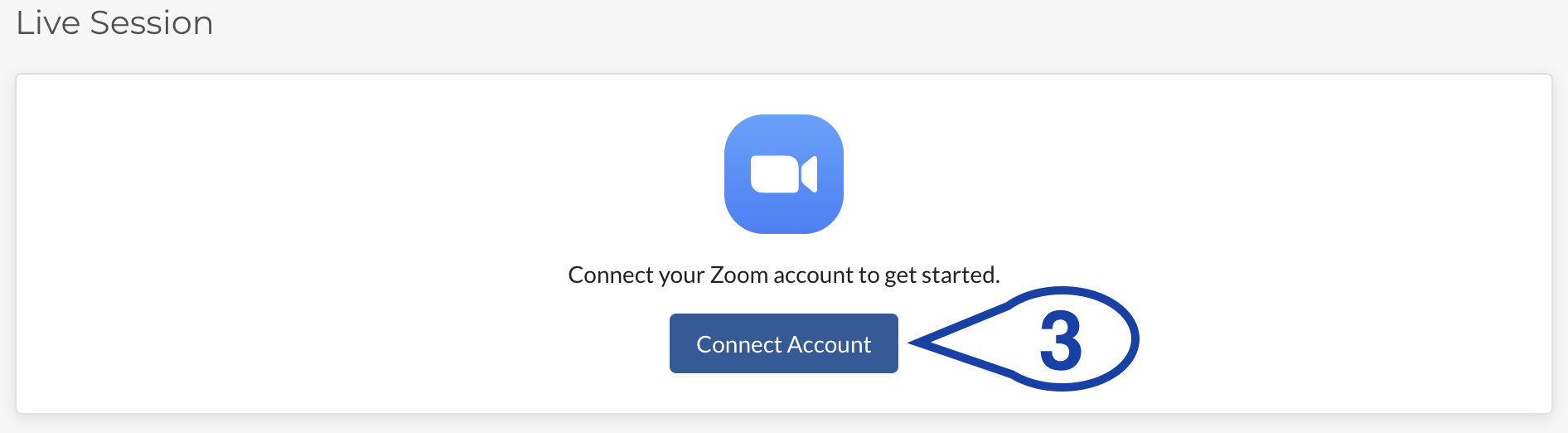
Step 2: Click “Connect Account”
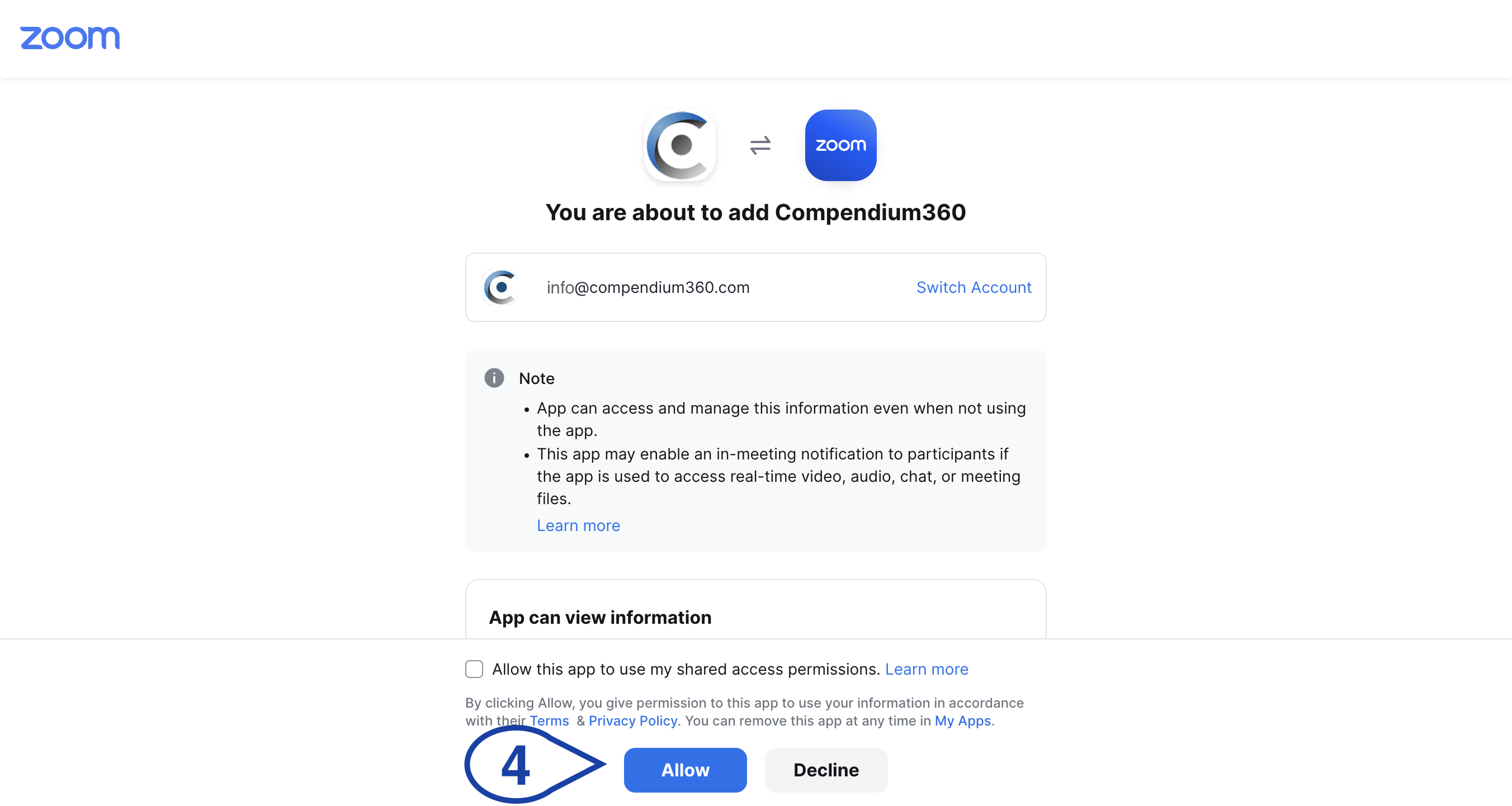
Step 3: Sign In and Authorize Zoom Connection
Be sure that you are signed into the zoom account you want to connect. Once signed into the correct account, authorize the connection by clicking “Allow”.
That’s it! You’re all set and can now start creating Live Sessions directly in your Compendium360 Platform.