Course Discussions (Forums)
#OVERVIEW
Course “Discussions” (aka: Conversations, Forums) is a great way to communicate with learners and provide group discussions for everyone enrolled in a course. You may be familiar with Course “Discussions” being referred to as ‘forums’, ‘discussion boards’, ‘message boards’, ‘chat rooms’, ‘collaborative spaces’, or other such terms.
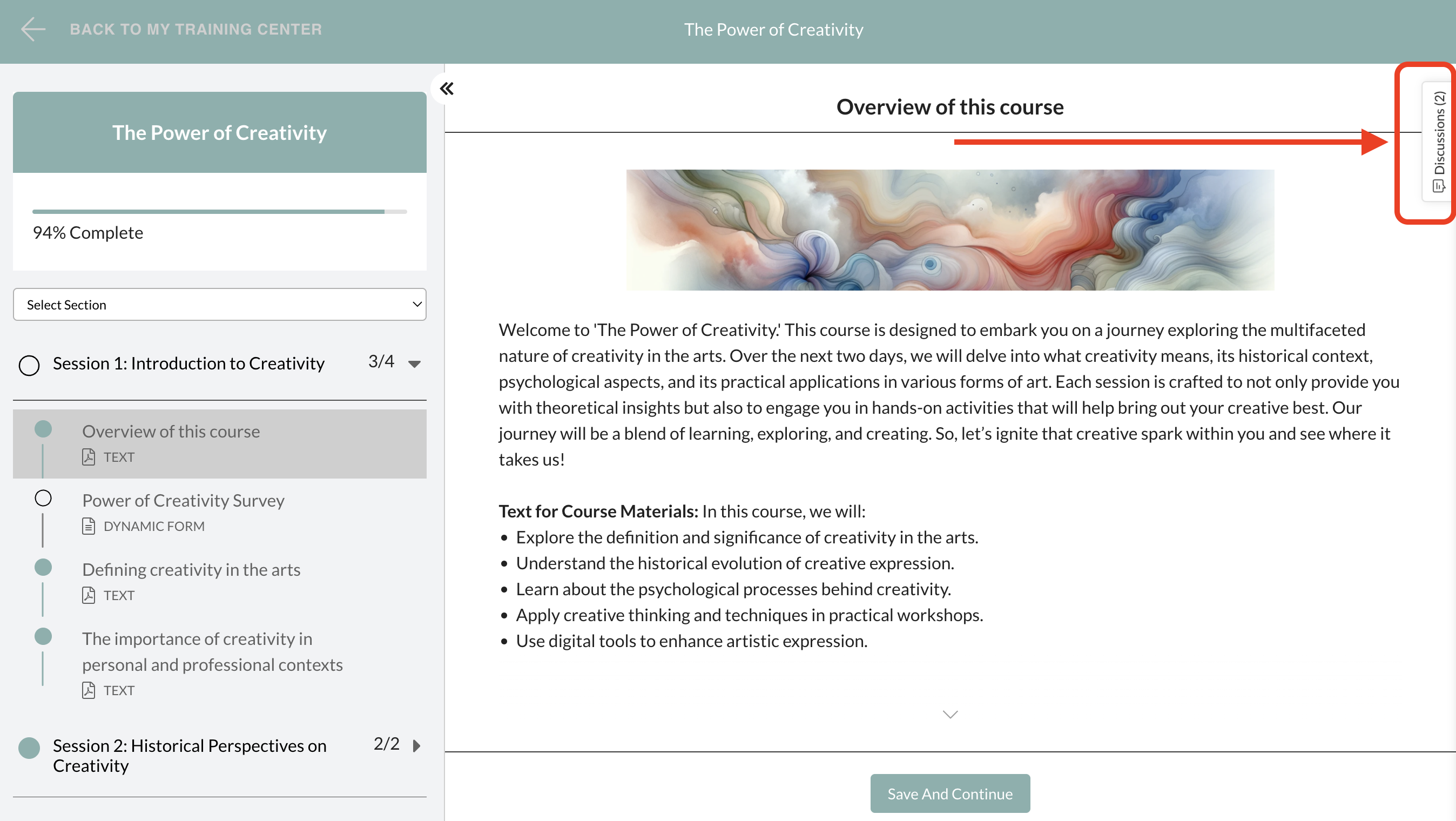
The “Discussions” tab can always be accessed from the pull-out tab towards the TOP-RIGHT when engaged in a course.
This is what it looks like when the Discussions tab is expanded:
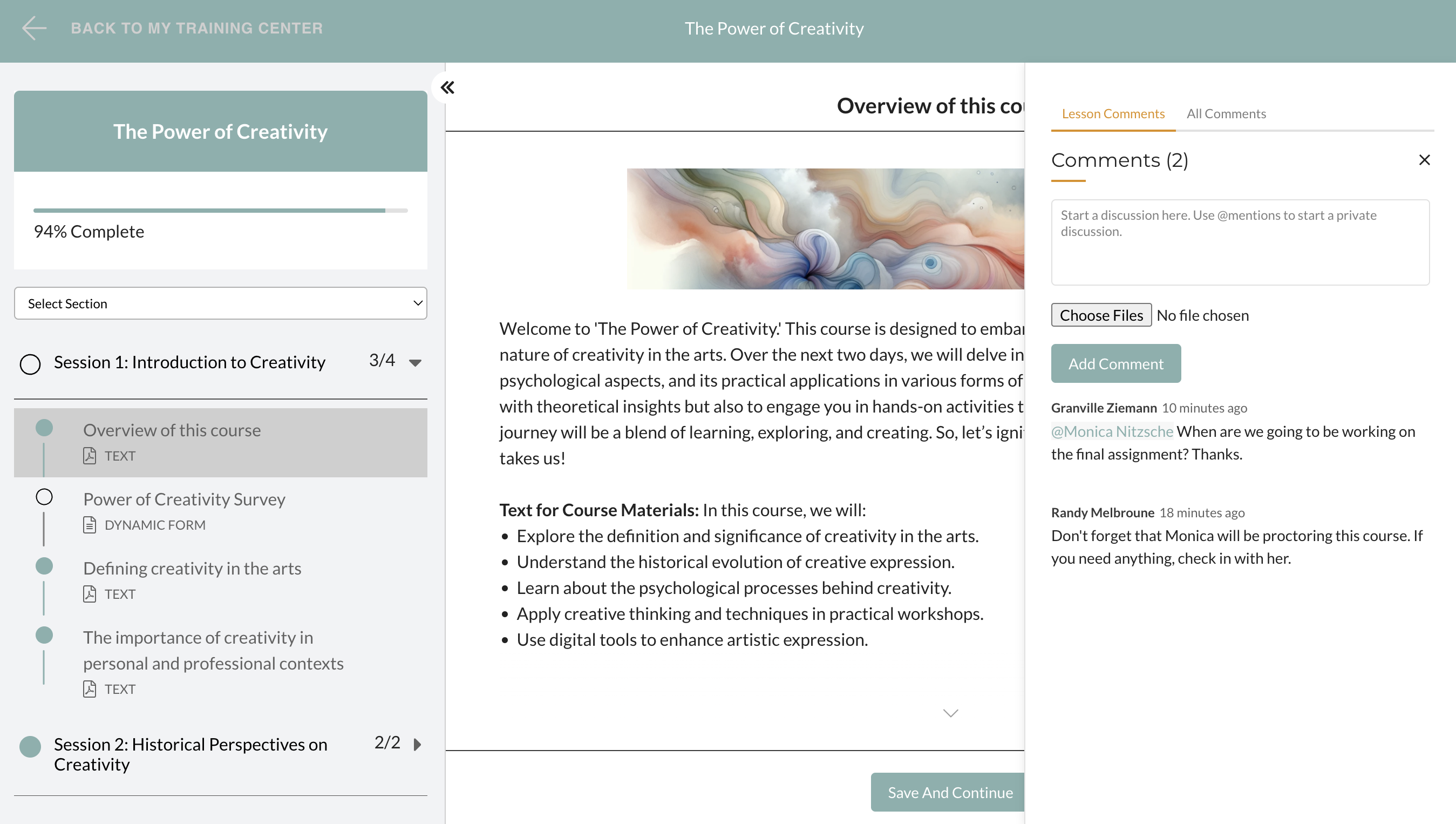
You can think of “Discussions” as the place where everyone in a given course can interact with each other, ask questions, and discuss topics of the course. Each posting in “Discussions” is called a “Comment”.
The great thing is that every comment is specific to the Lesson that comment is placed in. This provides clarity to learners and teachers which lesson a comment is referring to so they don’t have to guess.
#GROUP DISCUSSIONS
By default, all Discussions are only between the course participant posting the comment and the course instructor(s). However, if the instructor chooses to make Discussions public, they can turn “Group Discussions” ON in the Course Settings and all comments will be viewable by all course participants.
#PRIVATE DISCUSSIONS
*When Group Discussions is turned ON, all comments by default are viewable by all course participants.*However, participants and instructors can still send private comments (messages) by using “@mentions”. Comments posted when using @mentions (just start typing [@’name of person’] in the Discussion comment box and the user will appear if they are reachable by private message) are private comments between the one posting the comment and the designated recipient(s). The common exception to this is noted in italics/bold below.
Initially, only course instructors are available to participants to privately contact using @mentions. However, once a course participant has posted a comment, they are included in the available list of individuals who can receive private messages from other participants. All comments, private and public, are viewable to Course Instructors and Account Admins.
#USING DISCUSSIONS IN QUIZZES
You’ll notice that the Discussion tab is still accessible even when the participants are in a quiz or test. However, when in a quiz (test), even when Group Discussions is turned ON in Course Settings, ALL COMMENTS are private and only between the participant and the instructor(s). This allows participants to ask questions pertaining to the quiz without other test-takers seeing the questions. This also allows the instructor to post responses/reviews of the test-taker’s answers without any other participants being able to see the instructor’s response. The @mentions is still available in quizzes, but only instructors - and no other course participants - are available for private messaging.