How do I Switch Between Accounts?
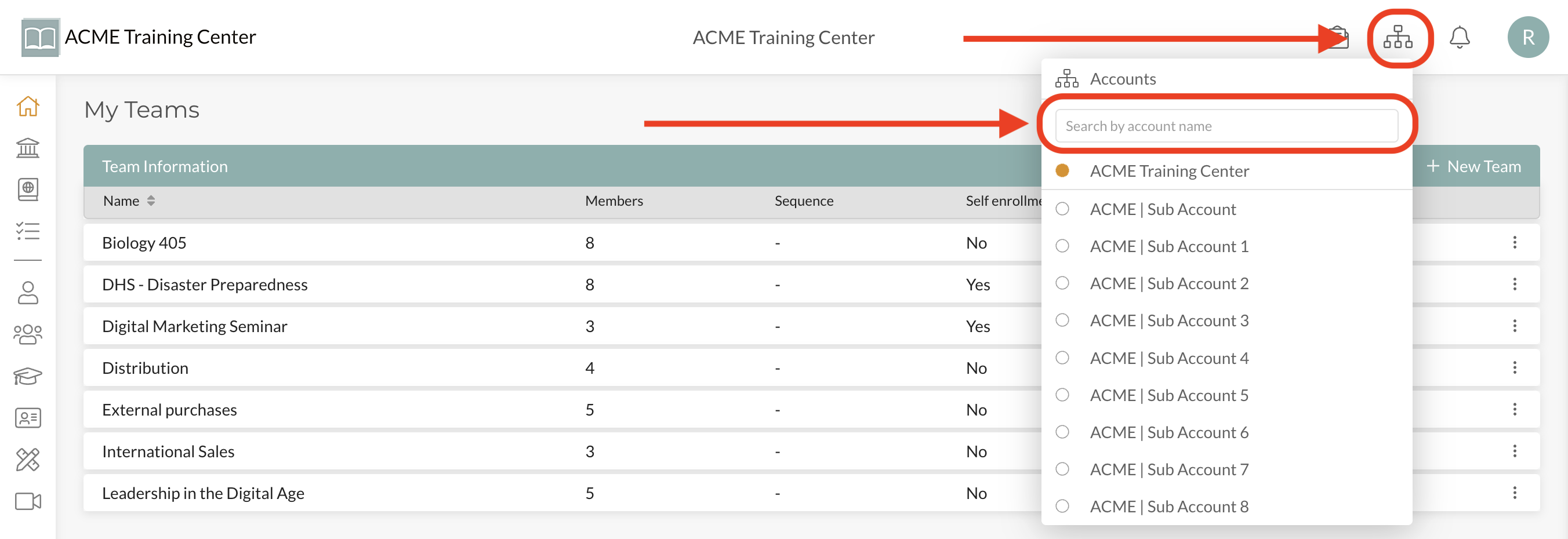
If you have multiple Accounts you are part of on the Compendium360 Platform, you can easily switch between accounts from the Account Switcher icon located at the top-right of your page.
To easily find your account, start typing any part of the Account Name and it will show up. Click into the account.
This feature allows those with many accounts to easily search for and find the account they want to switch into.