How to Give a Team 'Free' Access to a Paid Course (Video)
If you have a paid course and want to make it available to users on a team for free, then this will explain how to do it.
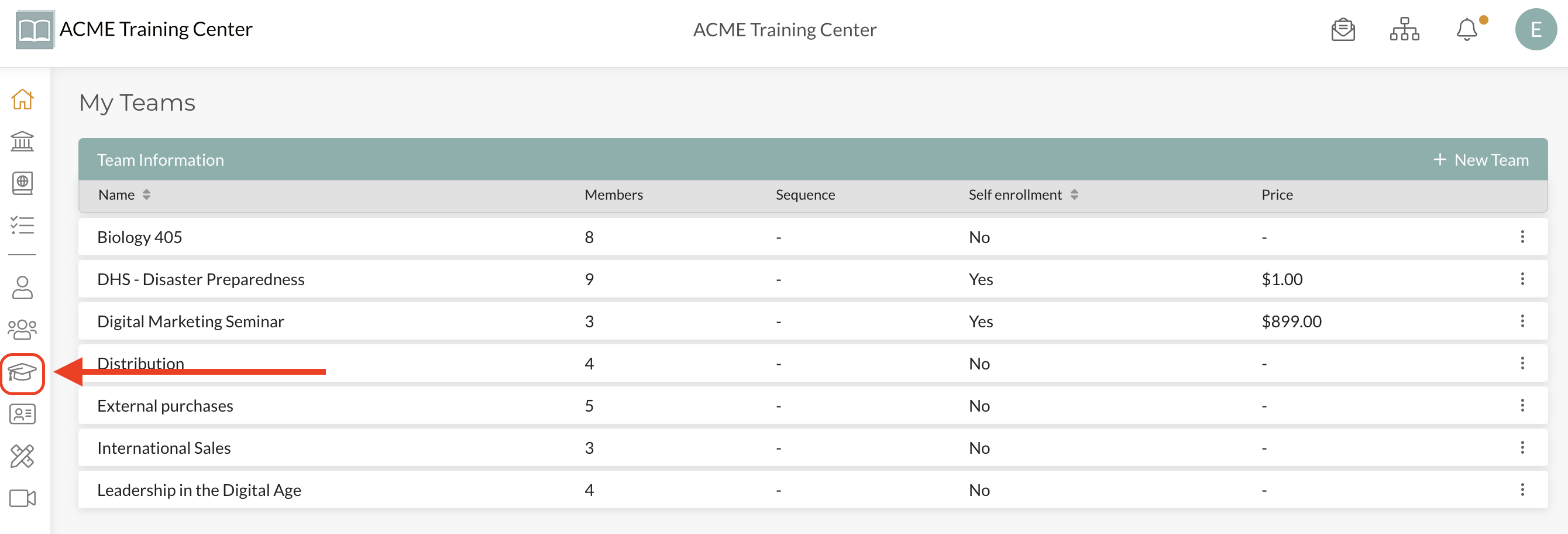
Step 1: From Dashboard, navigate to your “Courses” page
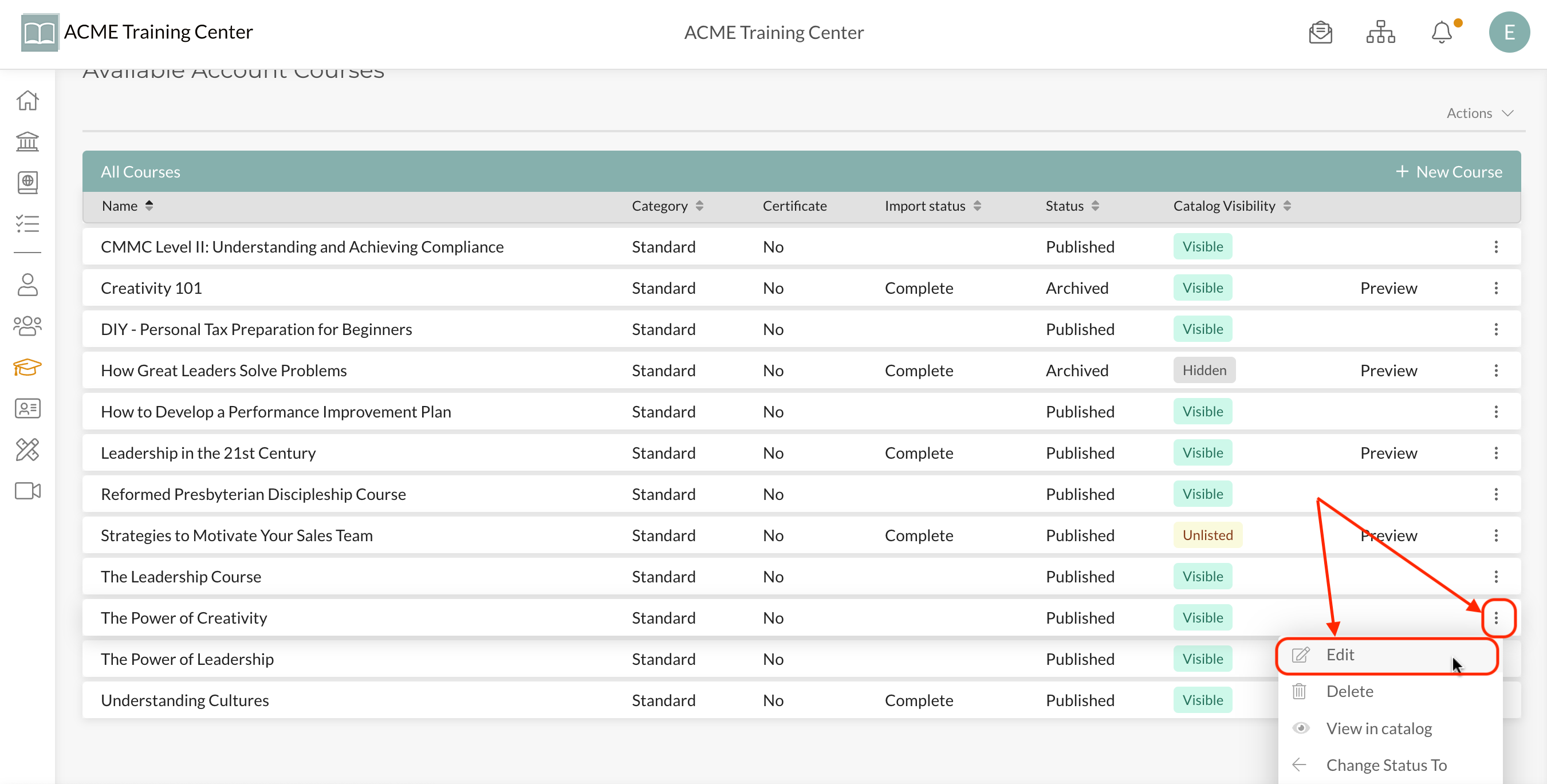
Step 2: Click “Edit” from the ellipsis of the course you plan to make available for free
Step 3: From the “Course Settings” page, scroll to the bottom and select the “Team(s)” you want to make this course available to for free. Only teams selected will have free access to the course. Members of all other teams (and those not on your account) will still be required to pay for the course.

Here is a video walkthrough of how to do this:
Video Coming Shortly